Boho Casino Registration & Account Verification Process in Canada
Creating a Boho Casino account gives you full access to hundreds of casino titles, live dealer tables, and a dedicated sportsbook with Canadian and international betting markets. You can sign up via email, mobile number, or a one-click social login method, making the process fast regardless of your device. A verified account removes all withdrawal limits and ensures your funds move quickly through supported Canadian payment options such as Interac, Visa, and crypto. New players in Canada are eligible for a 100% match bonus up to CAD 375 plus 100 Free Spins on their first deposit.
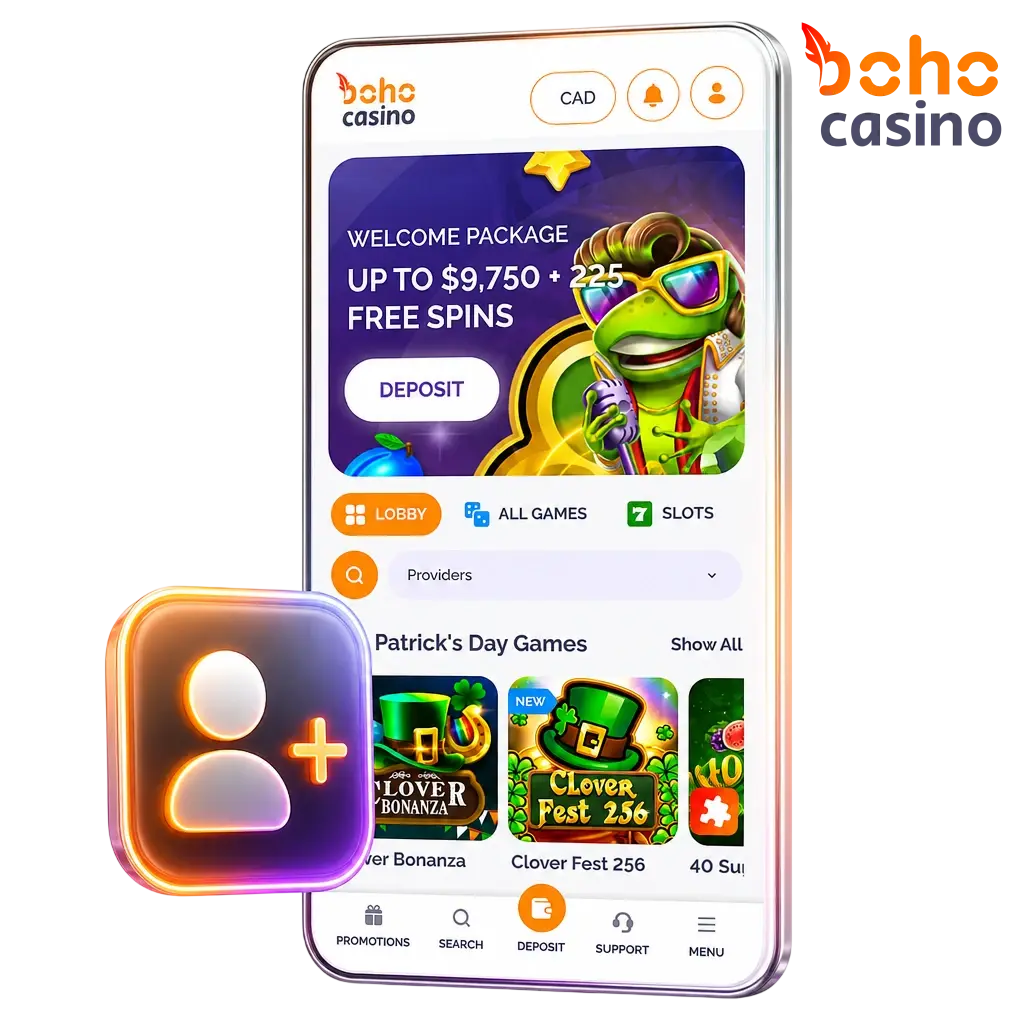
How to Register on Boho Casino in Canada
Click the Sign-Up Button
Select the “Register” button on this page to open the Boho Casino registration form directly.
Choose Your Registration Method
Pick your preferred sign-up path: email address, mobile phone number, or a supported social login option such as Google.
Enter Your Personal Details
Provide your full name, date of birth, country (Canada), and preferred currency (CAD).
Set Your Login Credentials
Create a strong password and confirm your email address or phone number via the verification code sent to you.
Claim Your Welcome Bonus
Opt in to the welcome offer during registration or on your first deposit screen to activate the 100% match up to CAD 375 plus 100 Free Spins.
Boho Casino Welcome Bonus for New Players in Canada
Boho Casino rewards Canadian players with a 100% deposit match up to CAD 375 plus 100 Free Spins on your first deposit. The offer applies to both casino and sports sections, giving you flexibility on how you use your bonus funds. Review the key terms below before depositing.

Boho Casino Welcome Bonus
The first-deposit bonus matches 100% of your deposit up to CAD 375, with 100 Free Spins credited alongside the bonus funds.
| Term | Detail |
|---|---|
| Max Bonus | CAD 375 + 100 Free Spins |
| Min. Deposit | CAD 20 |
| Wagering Requirement | 40x bonus amount |
| Free Spins Wagering | 40x winnings |
| Eligible Players | New accounts registered in Canada |
| Bonus Validity | 30 days from activation |
Account Registration Requirements at Boho Casino
All players must meet the following conditions before completing the Boho Casino registration online. These rules protect both the platform and its users, and they are enforced at the account creation and verification stages.
- You must be at least 18 years of age to create an account and place real-money wagers.
- Only one account is permitted per person, household, IP address, and device.
- You must provide accurate personal information; false details will result in account suspension.
- Players located in jurisdictions where online gambling is prohibited are not eligible to register.
- Identity verification (KYC) must be completed before your first withdrawal is processed.
How to Log In to Your Boho Casino Account
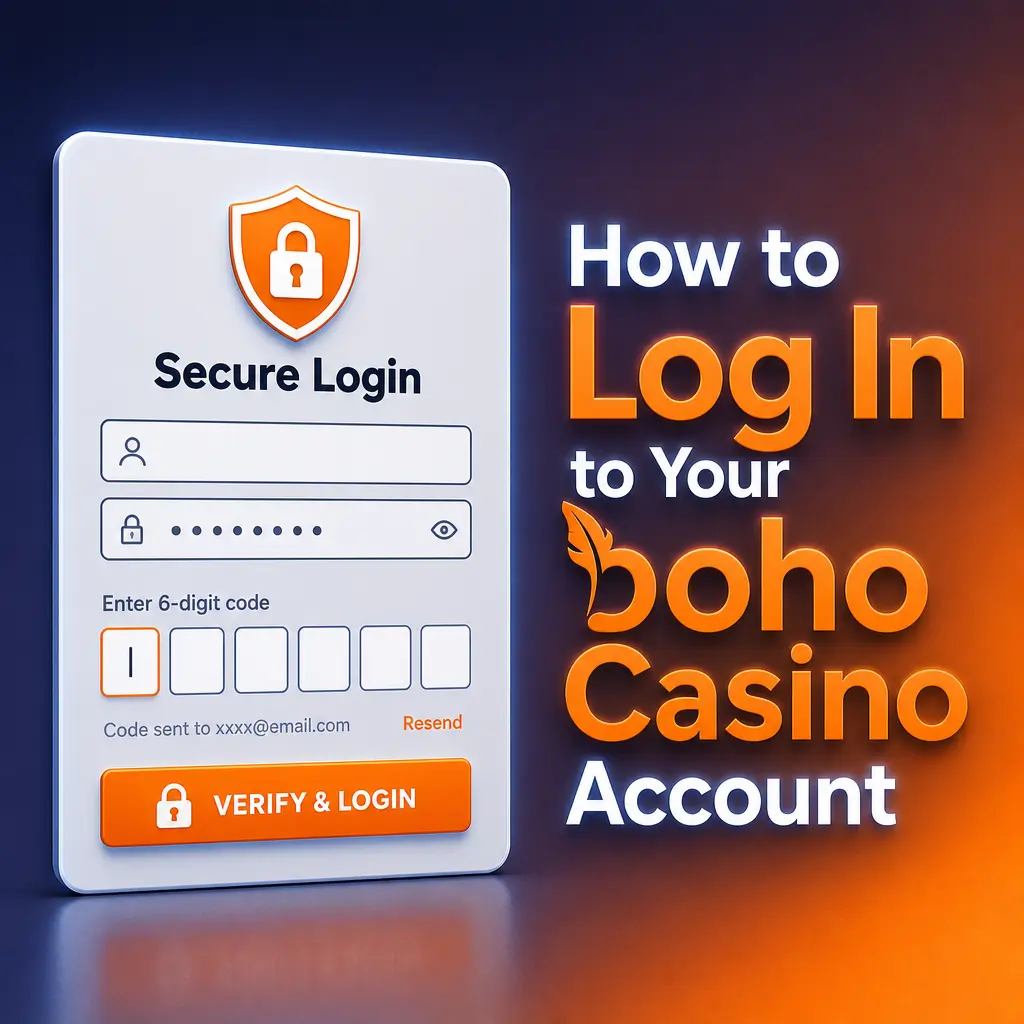
Logging in to your Boho Casino account gives you immediate access to your balance, active bonuses, bet history, and all casino and sportsbook features. The process differs slightly depending on the sign-in method you chose during registration.
- Click the “Log In” button at the top of the page to open the sign-in panel.
- Enter the email address or phone number linked to your account, then input your password.
- If you registered via Google or another social login, select that option and authenticate through your provider.
- Complete any two-factor authentication (2FA) prompt if you have enabled this security feature on your profile.
Once authenticated, your full account dashboard loads instantly with your current balance and any pending bonus offers displayed.
How to Verify Your Account on Boho Casino
Access the Verification Section
Log in to your account and navigate to the “Profile” or “My Account” section, then select the verification tab.
Submit Proof of Identity
Upload a clear copy of a government-issued photo ID such as a Canadian passport, provincial driver’s licence, or national ID card.
Submit Proof of Address
Provide a document confirming your residential address, such as a utility bill, bank statement, or government letter dated within the last 90 days.
Submit Proof of Payment Method
If you deposited via Interac or a bank card, upload a screenshot or photo of the payment method to confirm ownership.
Await Confirmation
The Boho Casino support team reviews submitted documents within 24 hours. You will receive an email confirmation once your account is fully verified.
How to Register on Boho Casino via Mobile App
Open the Boho Casino Site in Your Mobile Browser
Navigate to the official Boho Casino address in Safari (iOS) or Chrome (Android) on your smartphone.
Install the PWA to Your Home Screen
On iOS, tap the Share icon and select “Add to Home Screen”; on Android, tap the browser menu and select “Install App” or “Add to Home Screen.”
Launch the PWA and Tap Register
Open the installed shortcut from your home screen and tap the “Register” button to begin the sign-up form.
Complete the Registration Form
Enter your personal details, choose your preferred currency (CAD), and select your registration method: email, phone number, or social login.
Confirm Your Account
Verify your email or phone number using the code sent to you, then log in to your new account and activate your welcome bonus.
Common Registration Issues and How to Resolve Them
Boho Casino’s registration process is straightforward for most Canadian players, but occasional technical or input errors can interrupt the process. The table below covers the most frequent issues and their practical fixes.
| Problem | Solution |
|---|---|
| Email address already in use | Check whether you previously registered; use the password reset option or contact support to recover your existing account. |
| Verification code not received | Check your spam or junk folder; ensure the phone number or email entered is correct, then request a new code after 60 seconds. |
| Country or region not selectable | Confirm that Canada is available in the dropdown; clear your browser cache or try a different browser before contacting support. |
| Payment method declined during first deposit | Ensure your Interac or card details are correct and that your bank has not blocked the transaction; contact your bank or use an alternative deposit method. |
| Account flagged or temporarily restricted | This typically occurs when submitted details do not match existing records; contact the Boho Casino support team via live chat with your ID ready to resolve the issue promptly. |
Steps to Delete Your Boho Casino Account
If you decide to close your account permanently, Boho Casino requires you to contact the support team directly, as account deletion cannot be completed through the self-service profile settings. Ensure your balance is withdrawn and all active bonuses are forfeited before submitting a deletion request.
- Log in to your account and withdraw any remaining balance to your preferred Canadian payment method.
- Contact Boho Casino support via live chat or email at [email protected] and state your intention to permanently close your account.
- Provide your account credentials and identity confirmation as requested by the support agent to verify ownership.
- Receive written confirmation from the support team that your account has been closed and all personal data has been handled per the platform’s privacy policy.
Contacting Boho Casino Support for Registration and Login Help
The Boho Casino support team operates 24/7 and can assist Canadian players with any registration, login, or verification issue in English. Response times and available channels are listed below.
- Live Chat: Available directly on the Boho Casino website; average response time is under 2 minutes;
- Email: Reach the support team at [email protected] for account-specific queries requiring document submission;
- FAQ / Help Centre: The on-site help section covers common sign-up, login, and KYC questions with step-by-step guidance.